

Cabina AI Image Editor
AI Image & In Paint Generator
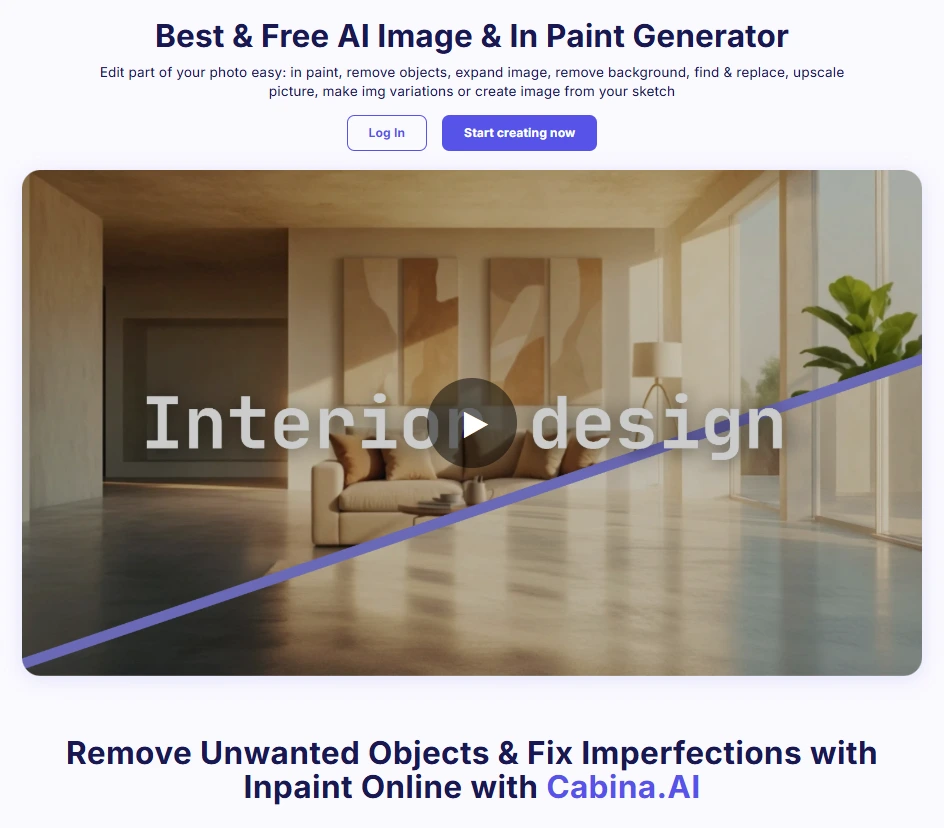
Cabina AI Image Editor is an AI-powered online tool designed to simplify complex photo edits. It offers a suite of features that allow users to perform tasks such as object removal, background changes, image expansion, and generative fill using intuitive brush-and-prompt controls. Operating entirely within a web browser, Cabina.AI eliminates the need for software installations, making advanced image editing accessible to users of all skill levels.
-
- Free Plan: $0/month
- Subscriptions:
- Starter Plan: $4.99/month
- Basic Plan: $9.99/month
- Growth Plan: $18.99/month
- Enterprise Plan: $99.99/month
- Pay-As-You-Go: $20 for 1800 Cabina tokens
Tool Summary
| Value Rating | ★★★★ (4/5) |
| Price Tier | Freemium |
| Cost | $ (1/5) |
| Category | AI Image Editing Tools |
Features
- AI Inpaint: Remove unwanted elements and fix imperfections by brushing over areas to retouch; the AI seamlessly fills in the gaps.
- AI Remove Objects: Eliminate distracting objects or photobombers from images effortlessly.
- AI Expand: Intelligently extend the boundaries of images, creating wider shots or adding extra space for creative compositions.
- AI Background Remover: Accurately identify and remove backgrounds, leaving a clean, transparent image.
- AI Find & Replace: Select specific objects or areas and replace them with other images, seamlessly integrating into the scene.
- AI Variations: Generate a variety of unique image variations from a single source, experimenting with different styles and textures.
- AI Sketch: Transform rough sketches into polished images using AI-powered sketch-to-image capabilities.
Common Use Cases
- Marketing: Create engaging visuals for campaigns and social media.
- E-commerce: Enhance product images for online stores.
- Photography: Retouch photos and remove unwanted elements.
- Design: Generate creative artworks and design elements.
- Education: Develop visual aids and learning materials.
- Personal Use: Edit personal photos for various purposes.
Pros ✅
- User-friendly interface suitable for beginners and professionals
- No software installation required; operates entirely online
- Wide range of AI-powered editing tools
- Supports commercial use; users retain full rights to edited images
- Responsive customer support with a public development roadmap
Cons ❌
- Requires an internet connection; no offline functionality
- Limited advanced editing tools compared to professional software
- No native mobile or desktop application
- Lacks a customer support chatbot for immediate assistance