

Reclaim.ai
AI calendar app for individuals , teams , and organizations
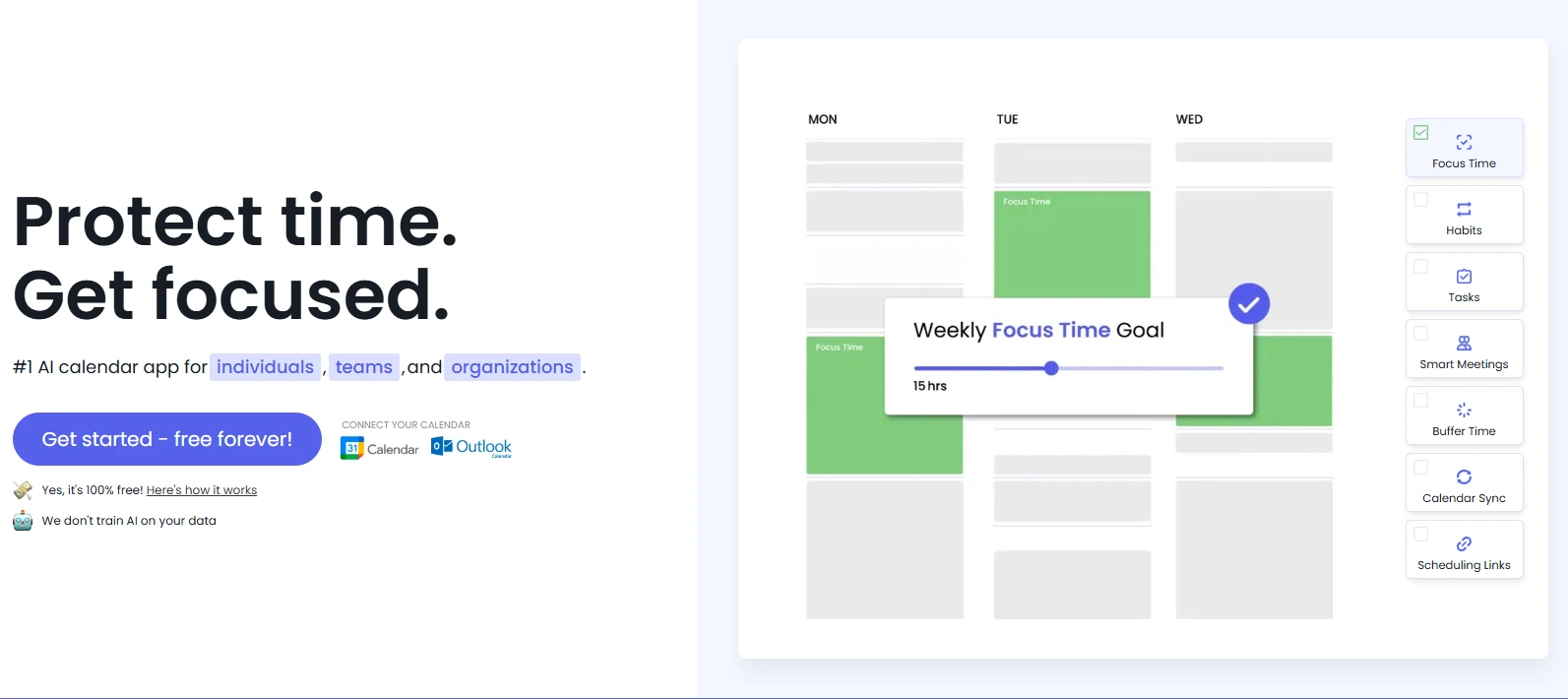
Reclaim.ai is an AI-powered scheduling tool designed to optimize calendars by automatically allocating time for meetings, tasks, habits, and breaks.
It integrates seamlessly with Google Calendar and Outlook, providing users with a dynamic and adaptive scheduling experience.
By analyzing user preferences and priorities, Reclaim.ai intelligently defends focus time, schedules recurring habits, and ensures that important tasks are completed without manual calendar adjustments.
-
- Lite: Free
- Starter: $8/user/month
- Business: $12/user/month
- Enterprise: $18/user/month
Tool Summary
| Value Rating | ★★★ (3/5) |
| Price Tier | Free |
| Cost | $ (1/5) |
| Category | AI Workflow Automation Tools |
Features
- Focus Time: AI-defended blocks for uninterrupted work sessions.
- Habits: Flexible scheduling of recurring routines that adapt to calendar changes.
- Tasks: Automatic scheduling of tasks based on priority and deadlines.
- Smart Meetings: Optimizes meeting times considering all participants' availability.
- Scheduling Links: Share availability with customizable booking links.
- Calendar Sync: Synchronizes multiple calendars to prevent double-booking.
- Buffer Time: Inserts breaks between meetings to reduce fatigue.
- People Analytics: Analyzes team schedules to identify productivity patterns and potential burnout risks.
- Integrations: Connects with tools like Slack, Zoom, Asana, Jira, ClickUp, Todoist, and more.
Common Use Cases
- Professionals: Enhance productivity by automating task and meeting scheduling.
- Teams: Coordinate meetings efficiently and gain insights into team workload and availability.
- Managers: Monitor team productivity and ensure balanced workloads.
- Remote Workers: Maintain structured schedules and prevent burnout with automated breaks and focus time.
- Freelancers: Manage multiple clients and projects by intelligently allocating time blocks.
Pros ✅
- AI-Driven Scheduling: Automatically adjusts schedules based on priorities and changes, reducing manual planning.
- Focus Time Protection: Defends dedicated time blocks for deep work, enhancing productivity.
- Habit Management: Schedules recurring routines flexibly around existing commitments.
- Task Integration: Syncs with tools like Asana, Todoist, and Jira for seamless task scheduling.
- People Analytics: Provides insights into team productivity and work-life balance.
- Buffer Time: Automatically adds breaks between meetings to prevent burnout.
- Smart Meetings: Finds optimal meeting times across attendees' calendars.
- Cross-Platform Support: Compatible with both Google Calendar and Outlook.
Cons ❌
- Limited Mobile Support: Lacks a dedicated mobile application, which may hinder on-the-go scheduling.
- Learning Curve: Initial setup and understanding of features may require time for new users.
- Dependency on Calendar Integration: Primarily relies on Google Calendar and Outlook; limited support for other calendar platforms.
- Customization Constraints: Some users may find the customization options for tasks and habits limited compared to specialized tools.