Best AI Anime Generators: Turn Text and Photos Into Anime Art

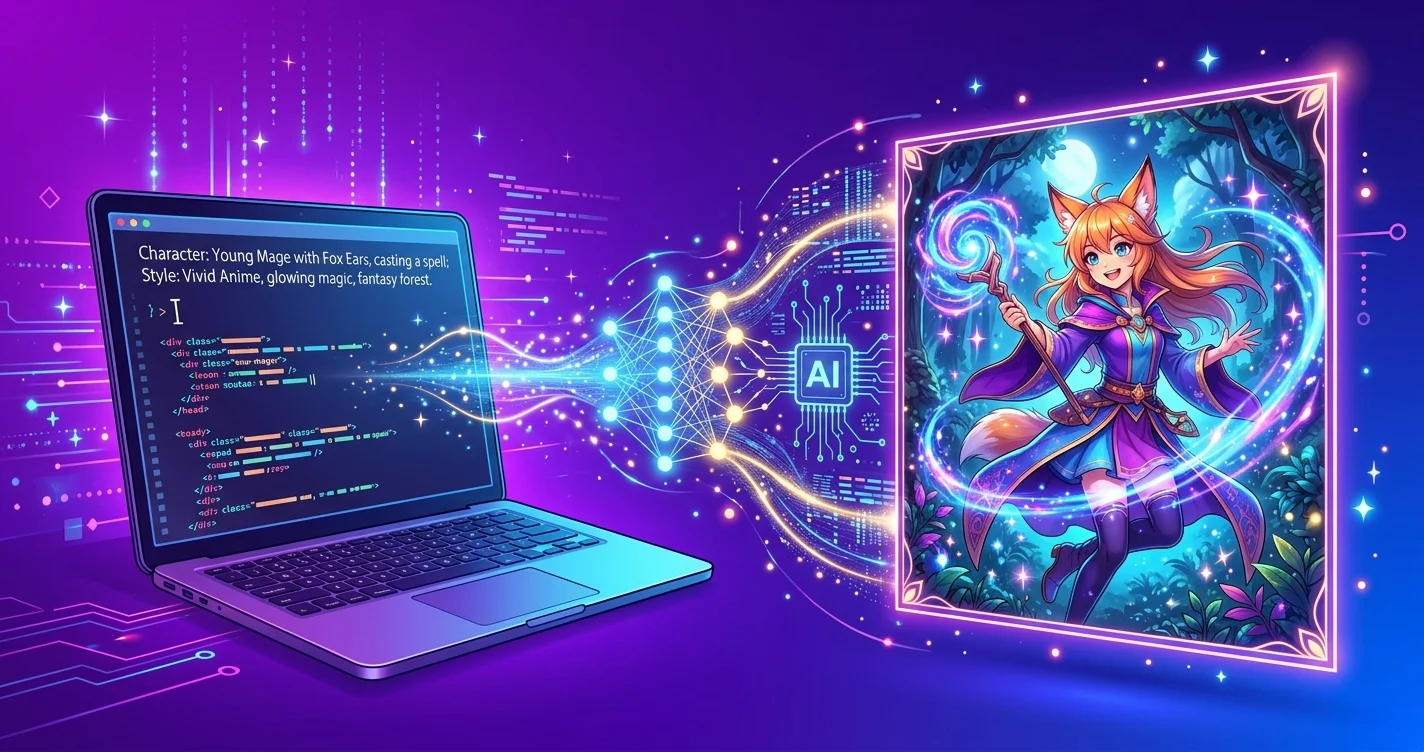
AI anime generator turning text prompts into anime-style artwork

You don’t need to spend years learning to draw to create anime art anymore. AI anime generators can turn a text prompt — or even a selfie — into studio-quality anime artwork in seconds.

And honestly? The results have gotten ridiculous. We’re not talking about the janky, uncanny-valley stuff from 2024. The best tools in 2026 produce art that looks like it belongs in a real manga panel or anime opening sequence.

I’ve tested every major AI anime generator out there. Here’s what actually delivers — and what’s just hype.

What Makes a Good AI Anime Generator?

Not all AI art tools handle anime well. Here’s what matters:

  • Style accuracy — Does it actually look like anime? Or just “vaguely cartoon”? The best tools nail specific sub-styles: shonen, shoujo, chibi, mecha, Studio Ghibli-inspired.
  • Photo-to-anime quality — Turning a real photo into anime art is harder than text-to-image. Bad tools produce blurry, distorted faces. Good ones preserve your likeness while adding genuine anime flair.
  • Consistency — Can you generate multiple images of the same character? This matters if you’re creating content, building a visual novel, or designing characters for a project.
  • Resolution and detail — Low-res anime art looks terrible. You want crisp lines, detailed shading, and at least 1024×1024 output.

Best AI Anime Generators in 2026

1. Midjourney — Best Overall for Anime Art

Midjourney remains the gold standard for AI-generated anime art. Its v6.1 model handles anime styles beautifully — from dramatic action scenes to soft, pastel slice-of-life aesthetics.

The trick is in the prompting. Adding style tags like “–niji” (their anime-specific mode) or referencing specific aesthetics (“studio ghibli watercolor,” “90s retro anime,” “dark seinen”) gets you results that genuinely rival professional illustration.

Best for: Creators who want the highest quality anime art with granular style control.
Pricing: From $10/month (Basic plan).
Standout feature: Niji mode — a dedicated anime model trained specifically on anime and manga artwork.

2. Stable Diffusion + Anime Models — Best for Free and Customizable

If you’re willing to get a little technical, Stable Diffusion with community anime models (like Anything V5, Counterfeit, or AOM3) produces some of the best anime art available — and it’s completely free.

The anime community around Stable Diffusion is massive. CivitAI alone hosts thousands of fine-tuned anime models, each specialized for different styles. Want chibi characters? There’s a model for that. Mecha designs? Got it. Realistic anime portraits? Multiple options.

Best for: Artists and enthusiasts who want maximum control and don’t mind a learning curve.
Pricing: Free (runs locally or via free cloud services like Google Colab).
Standout feature: ControlNet — guide the AI’s composition with pose references, depth maps, or sketches.

3. NovelAI — Best for Character Consistency

NovelAI started as a storytelling tool, but their image generator has become one of the best dedicated anime art tools available. Their V3 model is trained almost exclusively on anime and manga — so it just gets the style without needing elaborate prompts.

The killer feature is character consistency. You can create a character sheet and generate that same character in different poses, outfits, and scenes. That’s huge for visual novel creators, webcomic artists, and anyone building a narrative.

Best for: Visual novel creators, character designers, and storytellers.
Pricing: From $10/month (Tablet tier).
Standout feature: Vibe Transfer — upload a reference image and the AI matches the exact art style.

4. Cagliostro (Waifu Diffusion) — Best Free Option

Waifu Diffusion models — evolved into the Cagliostro project — are purpose-built for anime generation. They’re open-source, free, and produce surprisingly good results for the price tag of zero dollars.

The quality isn’t quite Midjourney-level, but it’s more than good enough for social media content, profile pictures, and casual creative projects. And because it’s open-source, the community constantly improves it.

Best for: Hobbyists and creators on a budget who want decent anime art for free.
Pricing: Free.
Standout feature: Runs locally on consumer hardware — no subscription, no cloud dependency.

5. ProfilePicture.AI — Best for Photo-to-Anime

Want to turn your actual photo into anime art? ProfilePicture.AI does this better than most. Upload a selfie, pick an anime style, and get back a stylized version that actually looks like you — just in anime form.

It’s particularly good for social media avatars, team pages, and personal branding. The results are clean, high-res, and don’t have that weird “AI tried to draw a face” quality that plagues cheaper tools.

Best for: Anyone who wants an anime version of themselves for profiles and branding.
Pricing: Free tier available, Pro from $9/month.
Standout feature: Batch processing — upload multiple photos and get anime versions of your whole team.

6. Leonardo.ai — Best for Anime + Other Styles

Leonardo.ai is a versatile AI art platform that handles anime well alongside other styles. Their community-trained anime models are solid, and the platform’s UI makes it easy to experiment with different looks.

If you need anime art and other styles (product mockups, realistic images, concept art), Leonardo is the most practical all-in-one option.

Best for: Creators who need anime art as part of a broader content toolkit.
Pricing: Free tier (150 tokens/day), Pro from $12/month.
Standout feature: AI Canvas — inpaint and outpaint anime images to extend scenes or fix details.

7. PicLumen — Best for Quick Anime Portraits

PicLumen is a newer entry focused on speed and simplicity. It won’t give you the customization depth of Midjourney or Stable Diffusion, but for quick anime portraits and character art, it’s fast and surprisingly good.

Best for: Quick anime art without a learning curve.
Pricing: Free tier available.
Standout feature: One-click anime style presets — choose a look and generate instantly.

How to Create Anime Art with AI (Step by Step)

Here’s the fastest path to great anime art:

  1. Choose your approach — Text-to-anime (describe what you want) or photo-to-anime (upload a reference image).
  2. Pick the right tool — Midjourney for quality, NovelAI for characters, ProfilePicture.AI for selfie conversion, Stable Diffusion for free.
  3. Write a detailed prompt — “Anime girl with silver hair, red eyes, wearing a black coat, standing on a rooftop at sunset, dramatic lighting, shonen style, detailed background” works way better than “anime girl.”
  4. Iterate — Generate 3-4 variations. Pick the best one. Refine your prompt based on what you like and don’t like.
  5. Upscale and export — Most tools offer 2x or 4x upscaling. Always upscale before using your art anywhere.

Free vs. Paid: Is It Worth Upgrading?

Honestly? For casual use, free tools are fine. Stable Diffusion and Waifu Diffusion give you excellent anime art at no cost — if you’re willing to set them up.

Paid tools like Midjourney and NovelAI are worth it when you need:

  • Consistent quality without prompt engineering expertise
  • Character consistency across multiple images
  • Speed — no waiting in queues or managing local GPU resources
  • Commercial rights for published content

For solopreneurs and content creators, a $10/month subscription pays for itself after your first batch of custom anime visuals.

Using AI Anime Art for Business

This isn’t just for fun. AI anime art has real business applications:

  • Social media content — Anime-style posts consistently outperform stock photos in engagement
  • Brand mascots — Create a unique anime character for your brand without hiring an illustrator
  • Product visualization — Anime-style product shots for merch, digital products, or creative campaigns
  • YouTube thumbnails — Eye-catching anime thumbnails drive higher click-through rates

Check out our AI tools directory for more creative tools — we track 169+ AI tools across every category, including RepublicLabs.ai and Magai for broader image generation needs.

The Bottom Line

The best AI anime generator depends on your use case:

  • Highest quality → Midjourney (Niji mode)
  • Character consistency → NovelAI
  • Free and customizable → Stable Diffusion + anime models
  • Photo to animeProfilePicture.AI
  • All-in-one platform → Leonardo.ai
  • Quick and simple → PicLumen

The tools are good enough now that creating anime art is no longer about skill — it’s about imagination. The only limit is what you can describe.
AI for Business Automation: The No-BS Guide to Getting Started in 2026

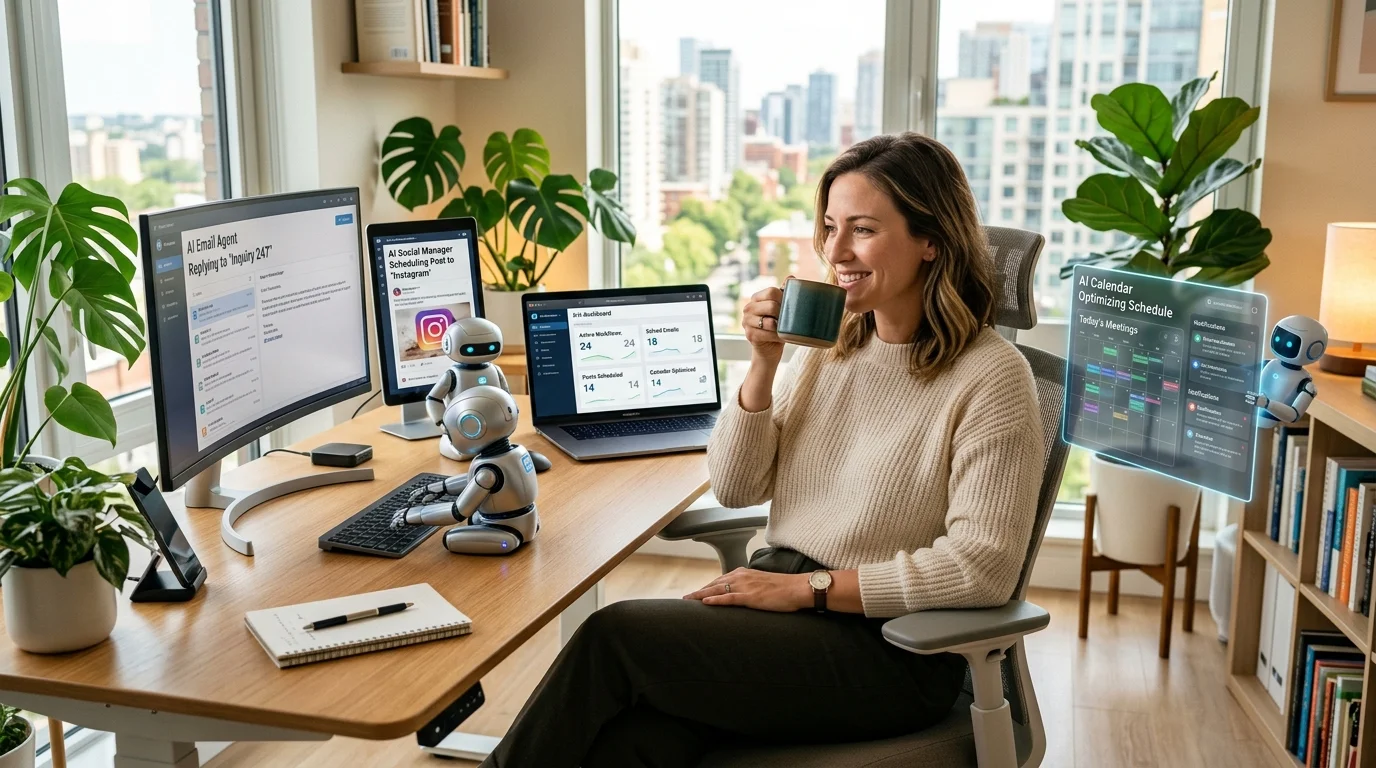
AI for business automation - solopreneur using AI tools to automate work

I hear the same thing from every small business owner: “I know I should be using AI to automate things, but I don’t know what to automate or where to start.”

Fair enough. The AI automation space is drowning in hype, and most guides are written by people selling you something.

This one isn’t. Here’s what actually works.

The 5 Business Processes You Should Automate First

Don’t automate everything. Automate these five first — they have the highest ROI for the least effort.

1. Customer Inquiries → AI Chatbot

If you’re spending more than 2 hours a week answering the same customer questions, you need a chatbot. Not a dumb FAQ bot — an AI chatbot trained on your actual business data.

Chatbase lets you upload your docs, FAQs, and product info, then embed a chatbot on your site that handles 80% of common questions automatically. Setup takes about an hour.

For sales-focused chat, Chatsimple qualifies leads and books meetings while you sleep.

Time saved: 2-4 hours/week. Setup time: 1 hour.

2. Social Media → Auto-Schedule + AI Captions

Posting to 4-5 platforms manually is a full-time job. It shouldn’t be.

ContentStudio discovers trending content in your niche, generates AI captions, and schedules posts across all platforms. Set it up once, review weekly.

On a budget? Metricool offers 50 free scheduled posts per month with analytics.

Time saved: 4-6 hours/week. Setup time: 30 minutes.

3. Email Follow-ups → Automated Sequences

Every lead that doesn’t get a follow-up within 24 hours is a lead you’re losing. And manually writing follow-up emails is the first thing that falls off your plate when you’re busy.

GetResponse creates AI-powered email sequences that nurture leads automatically. The AI writes subject lines, personalizes content, and optimizes send times.

For cold outreach specifically, Instantly AI handles thousands of personalized cold emails daily across unlimited accounts with built-in deliverability optimization.

Time saved: 3-5 hours/week. Setup time: 1-2 hours.

4. Content Creation → AI-Assisted Writing

You still need a human voice and strategy. But the actual writing — first drafts of blog posts, product descriptions, email copy, ad text — can be 80% automated.

Blaze.ai is built specifically for solopreneurs and small teams. It generates content that matches your brand voice across blogs, social, email, and ads.

For SEO-focused content, SurferSEO ensures every piece is optimized for the keywords that actually drive traffic.

Time saved: 5-10 hours/week. Setup time: 30 minutes.

5. Data Entry & App Connections → Workflow Automation

Copying data between apps is the most soul-crushing work in any business. And it’s completely unnecessary in 2026.

Zapier connects 6,000+ apps with natural language setup — describe what you want in plain English, and it builds the workflow. Make handles more complex multi-step processes with visual workflow building.

For web-specific automation, Browse AI creates robots that extract data from websites automatically, and HARPA AI automates repetitive browser tasks for free.

Time saved: 2-3 hours/week. Setup time: 1 hour per workflow.

The Automation Stack by Budget

Free Stack ($0/month)

Function Tool
AI Assistant ChatGPT Free
Social Media Metricool (50 posts/mo)
Email Omnisend (250 contacts)
Browser Automation HARPA AI (free extension)
Workflow Zapier (100 tasks/mo)

Starter Stack ($100-150/month)

Function Tool Cost
AI Assistant ChatGPT Plus or Claude Pro $20
Social Media ContentStudio $25
Email GetResponse $19
Chatbot Chatbase $19
SEO SurferSEO $99

Growth Stack ($200-300/month)

Add Instantly AI for outbound, Reclaim.ai for calendar automation, Taskade for AI project management, and Fireflies AI for meeting intelligence.

Common Automation Mistakes

  • Automating before understanding. If you don’t understand the process manually, automating it just creates automated chaos.
  • Too many tools at once. Start with one automation. Get it working. Then add the next.
  • No human review. AI-generated emails and social posts should have a human approval step — at least until you trust the output quality.
  • Ignoring the results. Check your automations monthly. Are they actually saving time? Are the outputs good? Kill what doesn’t work.

The Bottom Line

AI business automation isn’t about replacing your team or yourself. It’s about eliminating the work that shouldn’t be done manually in the first place.

Start with one process. Automate it properly. Measure the time you get back. Then do it again.

The businesses winning with automation aren’t using the fanciest tools — they’re using the right tools consistently.

Browse our AI Tools directory for 169+ tools across every automation category.

Best AI Rap Generators in 2026: Create Custom Beats and Lyrics in Minutes

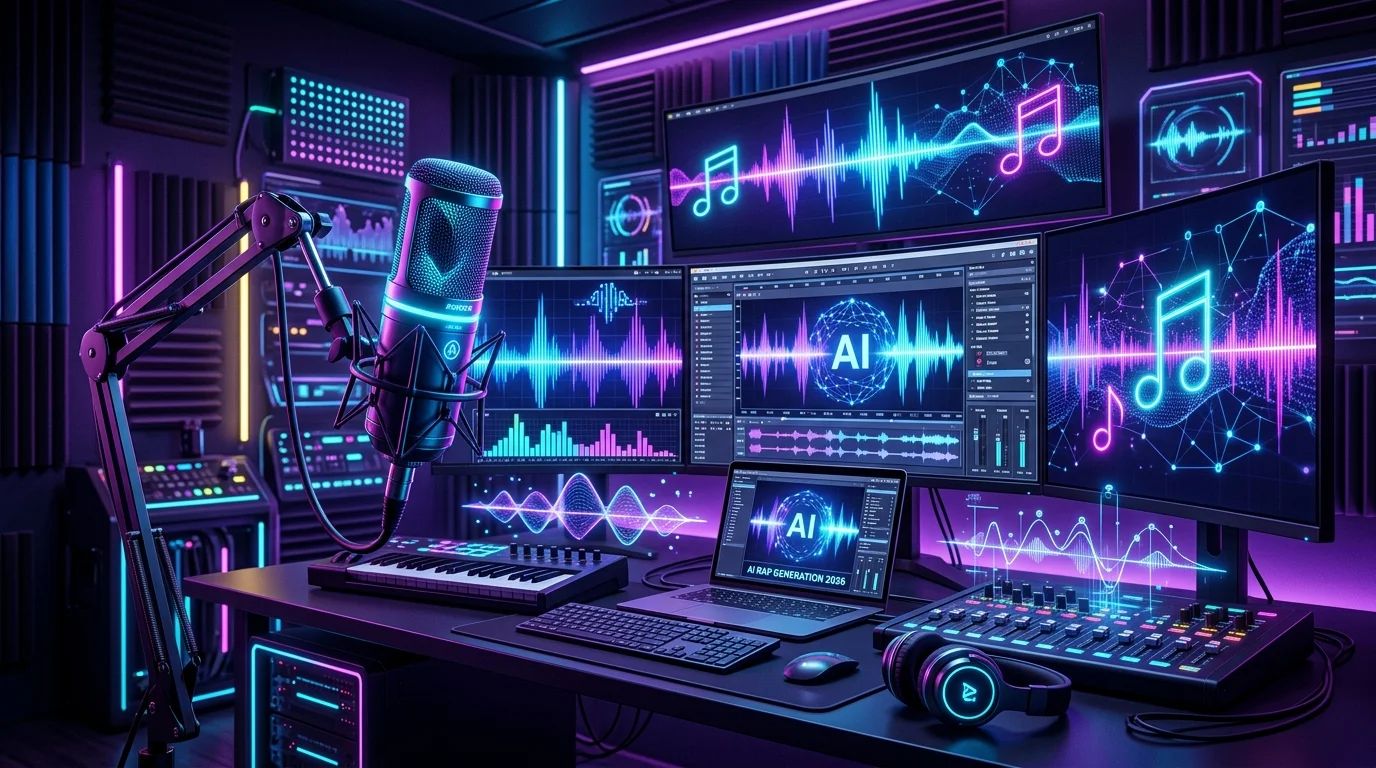
AI rap generator tools creating music in a futuristic studio with neon lights and sound waves

Want to make a rap song with AI — like, a full song with lyrics, beats, and vocals — in under five minutes? That’s not a gimmick anymore. It’s Tuesday.

The AI rap generator space has matured fast. A year ago, you’d get robotic bars over generic beats. Now? Tools like Suno and Udio produce tracks that genuinely slap — complete with flow, delivery, and production you’d swear came from a real studio session.

I’ve tested every major option out there. Here’s what actually works in 2026, who each tool is best for, and how to go from idea to finished track in minutes.

What to Look for in an AI Rap Generator

Before we get into specific tools, here’s what separates the good from the garbage:

  • Full song vs. lyrics only — Some tools just write bars. Others generate the entire track — lyrics, vocals, beat, mixing. Know what you need.
  • Voice quality — Robotic delivery kills the vibe. The best tools now offer realistic vocal styles (aggressive, melodic, mumble rap, old-school boom bap).
  • Beat customization — Can you pick a sub-genre? Trap, drill, lo-fi, boom bap? The more control, the better.
  • Commercial rights — If you’re posting to Spotify or using tracks in content, you need clear licensing. Not every free tool gives you that.

The Best AI Rap Generators in 2026

1. Suno — Best for Full AI Rap Songs

Suno is the undisputed leader for generating complete rap songs from a text prompt. You type a concept — “aggressive trap song about building a startup from nothing” — and it hands you back a full track with vocals, beat, and structure.

The quality jumped massively with their v4 model. Vocals have actual flow now. Beats hit harder. And the lyrics — while not Kendrick-level — are coherent, on-theme, and surprisingly clever with wordplay.

Best for: Content creators, solopreneurs who need custom music fast, anyone who wants a full song without touching a DAW.
Pricing: Free tier (10 songs/day), Pro from $10/month with commercial rights.
Standout feature: “Extend” mode lets you keep building on a generated track — add verses, change the hook, remix the vibe.

2. Udio — Best for Production Quality

Udio is Suno’s biggest competitor, and some producers actually prefer it for raw audio quality. The beats tend to sound more polished, more “studio” — especially for sub-genres like drill and boom bap where production nuance matters.

Where Udio edges ahead is the mixing. Tracks come out cleaner, with better separation between vocals and instrumentals. If you’re picky about how your AI rap sounds (and you should be), Udio delivers.

Best for: Musicians and producers who want higher-fidelity output to build on.
Pricing: Free tier available, Pro from $10/month.
Standout feature: Genre blending — you can mash up drill with jazz samples or trap with orchestral elements.

3. ElevenLabs — Best for Custom Rap Vocals

ElevenLabs isn’t a rap generator per se — it’s a voice AI platform. But pair it with AI-generated lyrics and a beat, and you’ve got something powerful.

The real magic here is voice style creation. You can design a vocal delivery — raspy and aggressive, smooth and melodic, rapid-fire like Eminem — and apply it to any lyrics. It’s the closest thing to having a session rapper on demand.

Best for: Creators who want control over vocal style and delivery.
Pricing: Free tier (10K characters/month), Starter from $5/month.
Standout feature: Voice Design — build a custom voice from scratch without cloning anyone real.

4. Soundverse AI — Best for Beat Generation

If you’ve already got bars (or want to write them yourself), Soundverse AI handles the production side. It generates beats in any rap sub-genre — trap, lo-fi hip hop, drill, boom bap — from a text description.

You can explore Soundverse AI in our directory for a full breakdown. It’s particularly good for solopreneurs making content who need royalty-free background music that doesn’t sound like stock audio.

Best for: Lyricists and rappers who need custom beats without hiring a producer.
Pricing: Free tier, Pro from $8/month.
Standout feature: AI-assisted mixing that auto-balances your beat for streaming platforms.

5. ChatGPT / Claude — Best for Rap Lyrics

Here’s what most people overlook: the best AI rap lyrics generators aren’t music tools — they’re LLMs. ChatGPT and Claude both write genuinely good rap verses when you prompt them right.

The key is specificity. Don’t just say “write a rap.” Say: “Write 16 bars in the style of J. Cole — introspective, internal rhyme scheme, about grinding through failure as a solopreneur.” You’ll get bars that actually scan.

Best for: Writers who want lyrics they can record themselves or feed into a voice AI.
Pricing: Free tiers available for both.
Standout feature: Complex rhyme schemes — internal rhymes, multisyllabic patterns, and wordplay that dedicated music tools still struggle with.

6. Mubert — Best for Instrumentals and Lo-Fi Rap

Mubert generates AI instrumentals on the fly. While it’s broader than just rap, its hip-hop and lo-fi categories are solid — especially for background beats in videos, podcasts, or social content.

Best for: YouTubers and content creators needing chill rap instrumentals.
Pricing: Free tier, Creator from $14/month.
Standout feature: Generates infinite-length tracks that never loop awkwardly.

How to Create an AI Rap Song in 5 Minutes

Here’s the fastest path from nothing to a finished track:

  1. Write your concept (30 seconds) — “Energetic trap song about building an AI business from scratch, confident and hungry.”
  2. Generate the track (2 minutes) — Paste that into Suno or Udio. Pick “rap” or “hip hop” as the genre. Hit generate.
  3. Evaluate and iterate (2 minutes) — Listen to 2-3 outputs. Pick the best one. Use the “extend” or “remix” feature to tweak sections you don’t love.
  4. Export and use (30 seconds) — Download the MP3. You’re done.

If you want more control, split the process: write lyrics with Claude or ChatGPT, generate a beat with Soundverse, and combine vocals via ElevenLabs. Takes longer, but the result is uniquely yours.

Can You Actually Use AI Rap Songs Commercially?

Short answer: yes, but check the license.

Suno Pro and Udio Pro both grant commercial rights on generated tracks. ElevenLabs does the same on paid plans. Free tiers usually restrict you to personal use only.

The bigger question is platform acceptance. Spotify, Apple Music, and YouTube all allow AI-generated music — but they require you to disclose it. Some distributors (like DistroKid) have specific AI policies you’ll want to read before uploading.

Bottom line: You can release AI rap songs commercially. Just use a paid tier and read the terms.

AI Rap Generators vs. Traditional Production

Let’s be real — AI rap generators aren’t replacing Timbaland or Metro Boomin. But they’re democratizing access to music creation in a way that matters.

If you’re a solopreneur making content, an indie artist testing concepts, or just someone who wants to create for fun — these tools eliminate the gatekeepers. No studio time, no expensive software, no production knowledge required.

For a broader look at AI tools transforming creative work, check out our AI tools directory — we’ve catalogued 169+ tools across every category.

The Bottom Line

The best AI rap generator depends on what you need:

  • Full songs fast → Suno
  • Studio-quality output → Udio
  • Custom vocals → ElevenLabs
  • Just the beatSoundverse AI
  • Just the lyrics → ChatGPT or Claude
  • Chill instrumentals → Mubert

The tools are good enough now that the bottleneck isn’t technology — it’s your creativity. So go make something.