

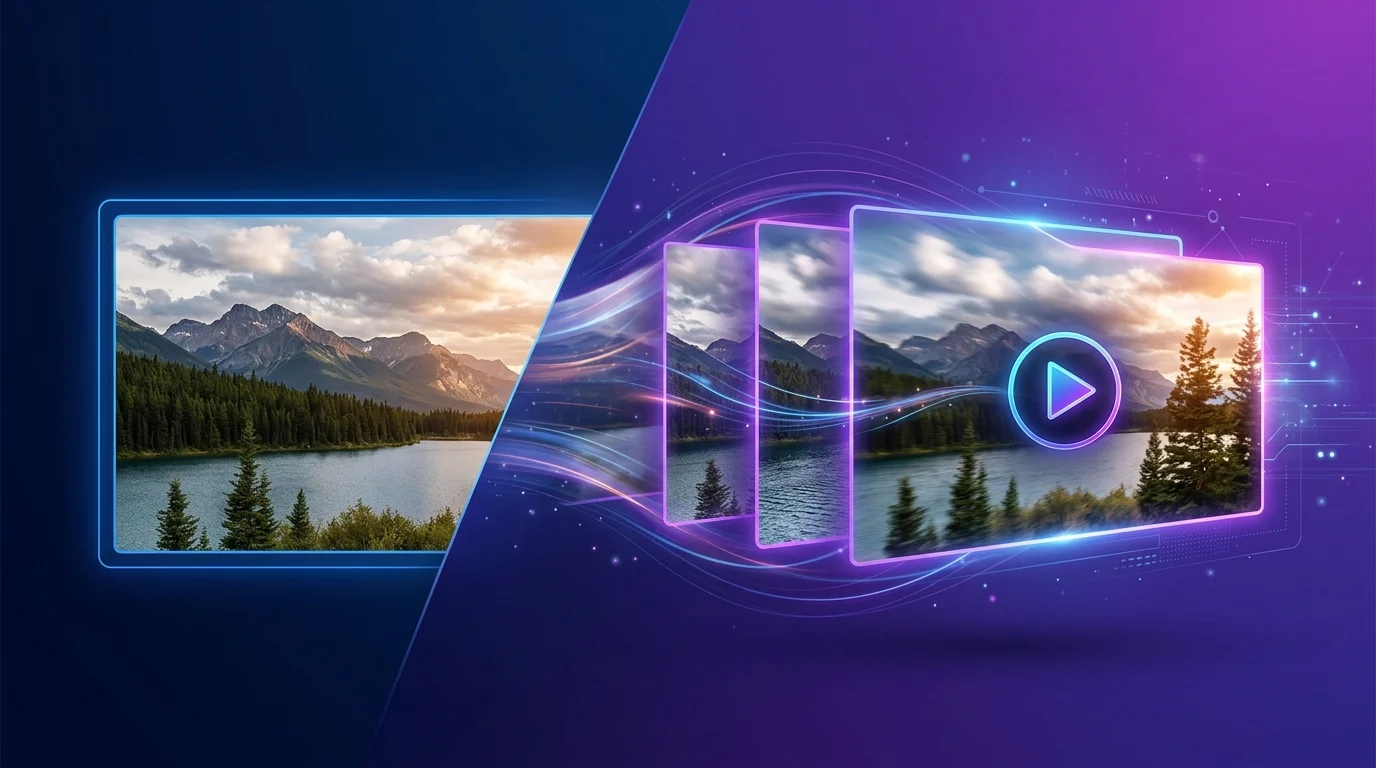
You’ve got a killer image. Maybe it’s a product shot, a landscape, or an AI-generated masterpiece. Now you want it to move — without spending a dime or slapping an ugly watermark on it.
I tested over 20 free AI image-to-video tools to find the ones that actually deliver. Most were garbage. Some added watermarks the size of Texas. Others produced results so janky they’d embarrass a 2015 GIF maker.
These 7 survived. They’re genuinely free (at least on their free tier), produce clean output without watermarks, and turn static images into scroll-stopping video clips.
Want to explore more AI tools? Browse our full AI Tools Directory with 169+ tools reviewed and categorized.
Quick Comparison: The 7 Best Free AI Image-to-Video Tools
| Tool | Best For | Free Tier | Max Resolution | Watermark |
|---|---|---|---|---|
| Kling AI | Overall quality | 66 credits/day | 1080p | None |
| Hailuo AI (MiniMax) | Cinematic motion | 10 videos/day | 720p | None |
| Pika | Quick social clips | 150 credits/day | 720p | None |
| PixVerse | Anime & stylized | 50 credits/day | 720p | None |
| Runway (Free) | Creative control | 125 credits (one-time) | 720p | None on export |
| Viggle | Character animation | Unlimited (Discord) | 720p | None |
| LensGo | Artistic styles | 50 credits/day | 720p | None |
1. Kling AI — Best Overall Free Image-to-Video
Kling AI from Kuaishou is the tool I keep coming back to. The free tier gives you 66 credits daily — enough for several high-quality image-to-video generations.
What sets Kling apart is the motion quality. Upload a portrait and it’ll add natural head movement, blinking, and subtle expressions. Give it a landscape and you’ll get smooth camera pans that look like drone footage. The physics are genuinely impressive for a free tool.
Key features:
- Up to 10 seconds of video from a single image
- 1080p output on free tier
- Motion brush for directional control
- Text prompt + image combo for precise results
- No watermark on any output
Best for: Anyone who wants the highest quality image-to-video without paying. The 1080p free output is unmatched.
2. Hailuo AI (MiniMax) — Best for Cinematic Motion
Hailuo AI — built on MiniMax’s video model — produces some of the most cinematic results in this list. The motion feels natural, not AI-janky. Hair flows. Water ripples. Fabric moves the way fabric should.
The free tier gives you about 10 generations per day, which is plenty for most creators. Each clip runs 4-6 seconds, and the quality consistently rivals paid tools.
Key features:
- Realistic physics and natural motion
- 4-6 second clips per generation
- Fast processing (usually under 2 minutes)
- No account required for basic use
- Clean output — zero watermarks
Best for: Product videos, social media content, and anyone who values cinematic quality over length.
3. Pika — Best for Quick Social Media Clips
Pika has evolved massively since its early Discord-only days. The web interface is slick, the results are consistent, and the free tier (150 daily credits) is genuinely generous.
Where Pika shines is speed and simplicity. Upload image, add a motion prompt, hit generate. You’ll have a usable clip in under a minute. The “Modify Region” feature lets you animate specific parts of an image while keeping the rest static — perfect for product shots where you want just one element moving.
Key features:
- 150 free credits daily (refreshes at midnight)
- Region-based animation control
- 3-4 second clips with extend option
- Lip sync from image + audio
- No watermark on free exports
Best for: Social media managers and content creators who need fast, consistent results for Instagram Reels and TikTok.
Check out our InVideo AI review if you need a full video creation suite instead.
4. PixVerse — Best for Anime & Stylized Content
PixVerse is a sleeper hit. While everyone’s talking about Kling and Runway, PixVerse quietly delivers excellent results — especially for stylized and anime-influenced content.
The free tier gives you 50 credits daily. What I love is the style consistency. Feed it an anime character and the motion stays true to the art style. No weird morphing into realism mid-clip. The character templates are also useful if you’re building a consistent visual identity.
Key features:
- 50 daily credits on free plan
- Excellent anime/stylized preservation
- Character template system
- Camera motion presets (zoom, pan, tilt)
- No watermark
Best for: Anime creators, digital artists, and anyone working with illustrated or stylized images.
5. Runway (Free Tier) — Best for Creative Control
You probably know Runway as the premium AI video tool. But here’s the thing — the free tier still gives you 125 credits to work with. That’s enough for roughly 25 image-to-video generations.
The catch? Those credits don’t refresh. Once they’re gone, you’re paying. But if you’re testing the waters or have a specific project, 25 high-quality clips for free is solid.
Runway’s edge is precision control. Motion brush, camera controls, end-frame conditioning — you can direct exactly how your image comes to life. No other free tool gives you this level of creative direction.
Key features:
- 125 one-time credits (Gen-4 Turbo)
- Motion brush for directional animation
- End-frame reference for controlled transitions
- Multiple camera movement presets
- No watermark on exported videos
Best for: Filmmakers and creators who want precise control over motion direction and camera movement.
We also reviewed Creatify and VideoGen in our AI Tools Directory — worth checking if you need text-to-video instead.
6. Viggle — Best for Character Animation
Viggle does something none of the others do well — it animates characters. Upload a photo of a person (or character), pick a motion template, and Viggle makes them dance, walk, jump, or do whatever movement you choose.
It runs via Discord (free, unlimited generations) and has a web app in beta. The results are surprisingly good for character motion, though backgrounds can get a bit wonky.
Key features:
- Unlimited free generations via Discord
- Pre-built motion templates (dance, walk, custom)
- Character extraction from any background
- Mix mode — place your character in any video
- No watermark
Best for: Meme creators, social media entertainment content, and anyone who wants to animate characters from still images.
7. LensGo — Best for Artistic Styles
LensGo takes a different approach. Instead of just animating your image, it can restyle it into different art forms while adding motion. Turn a photo into a moving oil painting, a pencil sketch animation, or a cyberpunk scene — all from a single static image.
The free tier provides 50 daily credits. The style transfer + motion combo makes LensGo unique in this space. If your content leans creative or artistic, this is your pick.
Key features:
- 50 daily credits on free plan
- Style transfer + animation in one step
- Multiple artistic presets (watercolor, oil, cyberpunk, etc.)
- Video-to-video restyling also available
- Clean exports — no watermark
Best for: Artists, creative content producers, and anyone who wants their image-to-video output to feel more like art than animation.
How I Tested These Tools
I ran the same three test images through every tool:
- A portrait photo — to test facial animation quality
- A landscape image — to test camera motion and parallax
- A product shot — to test selective animation
I evaluated on: output quality, motion naturalness, processing speed, watermark presence, and how much you actually get for free.
Tools that added watermarks on free output were disqualified. Tools with free tiers so limited you couldn’t realistically use them (looking at you, 3 credits/day tools) also didn’t make the cut.
Tips for Better AI Image-to-Video Results
After hundreds of generations, here’s what I’ve learned:
- Higher resolution input = better output. Don’t upload a 300px thumbnail and expect miracles.
- Simple, clear subjects work best. Busy compositions confuse motion algorithms.
- Use motion prompts. “Camera slowly zooms in while hair blows in the wind” beats just clicking generate.
- Portraits in 3/4 view animate more naturally than straight-on shots.
- Avoid text in images. AI motion will warp and distort any text.
The Bottom Line
If I had to pick just one, it’d be Kling AI. The daily free credits are generous, the 1080p output is unmatched, and the motion quality rivals tools charging $30/month.
For character animation specifically, Viggle is unbeatable (and truly unlimited). For cinematic quality, Hailuo AI punches way above its weight class.
The best part? All seven tools produce watermark-free output on their free tiers. No sneaky upsells, no “remove watermark for $9.99” popups. Just clean video from your static images.
Ready to explore more AI tools for your workflow? Our AI Tools Directory has 169+ tools reviewed — including dedicated sections for HeyGen, Synthesia, and Descript for more advanced video needs.