

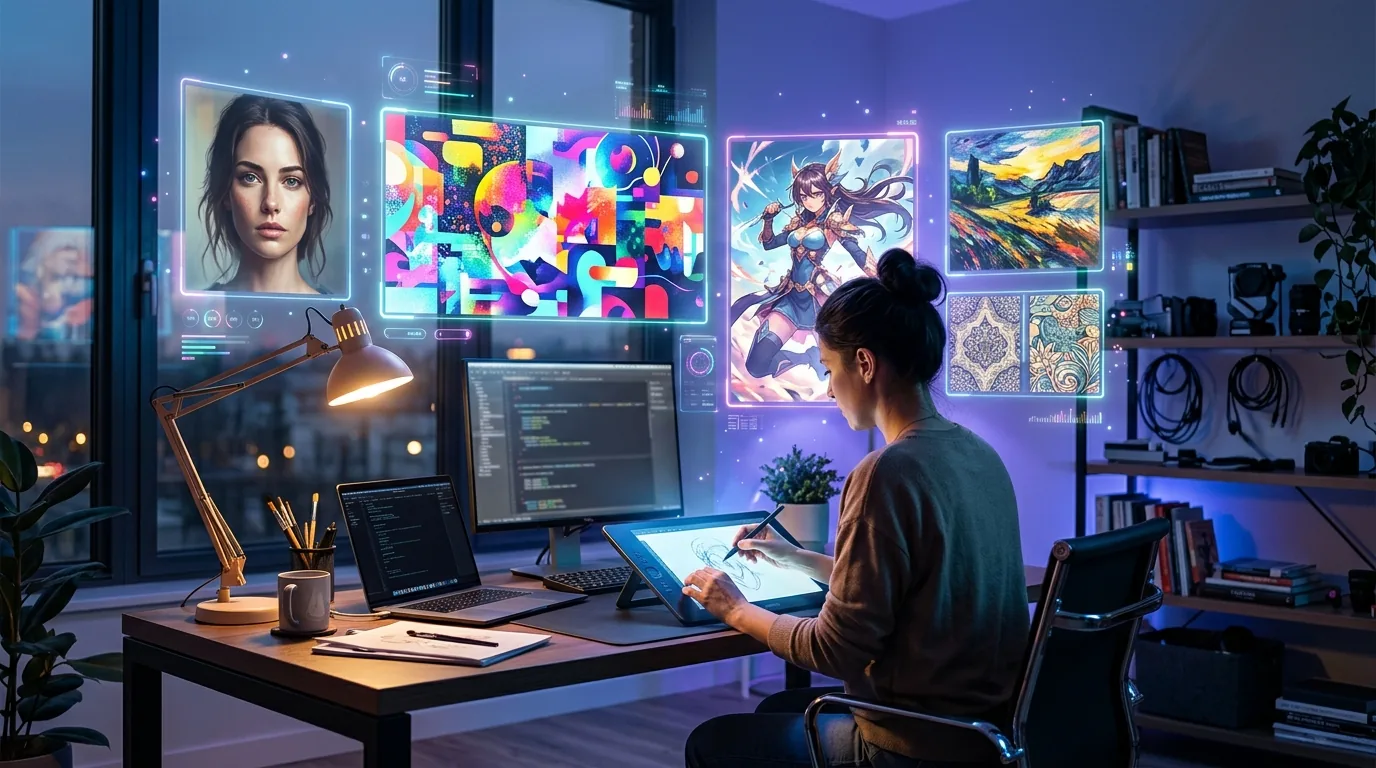
Every “best AI image generator” list reads like a press release.
Tool X is “revolutionary.” Tool Y “transforms your creative workflow.” Tool Z is “the future of visual content.” Cool. But which one actually generates a usable image on the first try — without making everyone look like they have seven fingers?
I’ve spent the last three months testing every major AI image generator I could get my hands on. I generated over 500 images across the same set of prompts — product mockups, blog headers, portrait shots, abstract art, and photorealistic scenes. Then I ranked them on three things that actually matter: speed, quality, and price.
Here’s what’s genuinely worth your money (and your time) in 2026.
How I Tested These AI Image Generators
Every tool got the exact same 10 prompts. Same wording, same level of detail. I measured:
- Speed: Time from hitting “generate” to seeing a finished image
- Quality: Sharpness, prompt accuracy, artifact frequency, hand/face quality
- Price: Cost per image on each tool’s most popular plan
- Usability: How intuitive the interface is for non-designers
I also looked at commercial licensing, resolution options, and how well each tool handles edge cases — like text in images, specific brand colors, and multi-subject compositions.
The Best AI Image Generators in 2026
1. Midjourney — Best Overall Quality
Midjourney is still the king of aesthetics. Version 7 produces images that look like they came from a professional photographer or digital artist — not an AI. The default style has this cinematic quality that other tools can’t match.
The catch? You need Discord (or their newer web app, which is finally decent). And the learning curve is steeper than alternatives. But once you get the prompting down, the results are consistently stunning.
Speed: ~15 seconds per image
Price: From $10/month (200 images)
Best for: Marketing visuals, social media content, artistic projects
Commercial license: Yes, on all paid plans
2. DALL-E 3 (via ChatGPT) — Best for Prompt Accuracy
If you want an AI image generator that actually listens to what you type, DALL-E 3 wins. It handles complex, multi-element prompts better than anything else I tested. “A red bicycle leaning against a yellow wall with a cat sleeping on the seat” — DALL-E nails it. Most others give you a random cat floating near a vaguely yellow rectangle.
The integration with ChatGPT is the real selling point. You can iterate on images through conversation — “make the cat orange,” “zoom out a bit,” “add morning sunlight.” It feels natural.
Speed: ~10 seconds per image
Price: Included with ChatGPT Plus ($20/month)
Best for: Specific compositions, product concepts, illustrations
Commercial license: Yes
3. Google Imagen 3 — Best for Photorealism
Google’s Imagen 3 (available through Gemini Advanced) quietly became one of the best AI image generators for photorealistic output. Skin textures, lighting, reflections — it handles the subtle stuff that makes images look real instead of AI-generated.
It’s particularly strong with portrait photography prompts. Where other tools give you that telltale “AI smoothness,” Imagen produces natural-looking imperfections — pores, slight asymmetry, realistic hair strands. It’s almost unsettling how good it is.
Speed: ~8 seconds per image
Price: Included with Gemini Advanced ($20/month)
Best for: Photorealistic images, portraits, product photography
Commercial license: Yes, with Gemini Advanced
4. Stable Diffusion 3.5 — Best for Control Freaks
Stable Diffusion isn’t for everyone. But if you want total control over your AI image generation — ControlNet, inpainting, LoRA models, custom training — nothing else comes close.
The open-source model runs locally on your hardware (free) or through hosted services like Stability AI’s API. SD 3.5 finally solved the hands problem and dramatically improved text rendering. The community ecosystem is massive — there are specialized models for everything from anime to architecture.
Speed: 5-30 seconds (depends on hardware/settings)
Price: Free (local) or from $10/month (hosted)
Best for: Custom workflows, batch generation, developers, artists who want granular control
Commercial license: Yes (check specific model licenses)
5. Adobe Firefly 3 — Best for Design Integration
If you already use Photoshop, Illustrator, or any Creative Cloud app — Firefly is a no-brainer. It’s baked directly into the tools you’re already using. Generative Fill in Photoshop is genuinely magical for editing existing images.
The standalone generator is solid too. Image quality took a huge leap with version 3 — it’s competitive with Midjourney for marketing assets. The “Structure Reference” feature lets you upload a rough sketch and get a polished image that follows the exact composition.
Speed: ~12 seconds per image
Price: Included with Creative Cloud ($23/month) or standalone ($5/month)
Best for: Design workflows, photo editing, brand-consistent content
Commercial license: Yes — trained exclusively on licensed content
6. Imagine Art — Best Free Option With Style Variety
Imagine Art gives you a surprisingly generous free tier with access to multiple AI models and art styles. From oil painting to 3D render to anime — the style presets are genuinely useful, not just gimmicky filters slapped on the same output.
The paid plans are affordable too. If you need variety without committing to a $20/month subscription, this is where I’d start. Check out our full Imagine Art review in the AI tools directory.
Speed: ~10 seconds per image
Price: Free tier available; Pro from $7/month
Best for: Style exploration, casual creators, budget-conscious users
Commercial license: Yes, on paid plans
7. Flux 1.1 Pro — The Dark Horse
Flux came out of nowhere and immediately earned respect from the AI art community. Built by former Stability AI researchers, it produces images with remarkable detail and coherence — especially for complex scenes with multiple subjects.
The text rendering is among the best I’ve tested. If you need text on images (posters, mockups, social media graphics), Flux handles it cleanly where others turn letters into abstract squiggles.
Speed: ~12 seconds per image
Price: From $8/month via API, or free through community tools
Best for: Text-heavy designs, complex compositions, high-detail scenes
Commercial license: Yes (Pro version)
8. Leonardo.ai — Best for Game & Concept Art
Leonardo carved out a strong niche in game assets, concept art, and fantasy illustration. The model fine-tuning and training features let you create consistent characters and styles — essential for game developers and content creators.
The real-time canvas feature is addictive. You sketch rough shapes, and Leonardo transforms them into polished concept art instantly. It’s the closest thing to having an AI art director watching over your shoulder.
Speed: ~8 seconds per image
Price: Free tier (150 images/day); Paid from $12/month
Best for: Game art, character design, concept illustration
Commercial license: Yes, on paid plans
9. Cabina AI Image Editor — Best for Photo Editing Specifically
Cabina isn’t a generator in the traditional sense — it’s an AI-powered photo editor that takes existing images and transforms them. Background removal, style transfer, object removal, face enhancement. If your workflow is more about editing than creating from scratch, Cabina does it faster than Photoshop.
See our detailed Cabina review for a full breakdown of what it can do.
Speed: 3-5 seconds per edit
Price: Free tier; Pro from $9/month
Best for: Photo retouching, background replacement, batch editing
Commercial license: Yes
10. Microsoft Designer (DALL-E Powered) — Best Truly Free Option
Here’s a secret most people miss — Microsoft Designer gives you DALL-E image generation completely free with any Microsoft account. The quality is excellent (it’s the same underlying model), and you get a decent daily quota.
The built-in design templates are a bonus. Generate an image, drop it into a social media template, export. Three clicks, zero cost.
Speed: ~10 seconds per image
Price: Free
Best for: Zero-budget creators, social media graphics, quick mockups
Commercial license: Yes
Quick Comparison: AI Image Generators at a Glance
| Tool | Best For | Price | Speed | Quality |
|---|---|---|---|---|
| Midjourney | Overall quality | From $10/mo | ~15s | ★★★★★ |
| DALL-E 3 | Prompt accuracy | $20/mo (ChatGPT+) | ~10s | ★★★★☆ |
| Google Imagen 3 | Photorealism | $20/mo (Gemini) | ~8s | ★★★★★ |
| Stable Diffusion 3.5 | Customization | Free / $10/mo | 5-30s | ★★★★☆ |
| Adobe Firefly 3 | Design workflow | From $5/mo | ~12s | ★★★★☆ |
| Imagine Art | Style variety | Free / $7/mo | ~10s | ★★★☆☆ |
| Flux 1.1 Pro | Text in images | From $8/mo | ~12s | ★★★★☆ |
| Leonardo.ai | Game/concept art | Free / $12/mo | ~8s | ★★★★☆ |
| Cabina AI | Photo editing | Free / $9/mo | 3-5s | ★★★★☆ |
| MS Designer | Free option | Free | ~10s | ★★★★☆ |
Which AI Image Generator Should You Pick?
Here’s my honest take after testing all of them:
- For most people: Start with DALL-E 3 through ChatGPT. You’re probably already paying for Plus, and the conversational editing is incredibly intuitive.
- For the best visual quality: Midjourney. Nothing else produces consistently beautiful images with this little effort.
- For business/marketing: Adobe Firefly if you use Creative Cloud. The integration alone is worth it.
- For zero budget: Microsoft Designer first, then Imagine Art for variety.
- For developers/power users: Stable Diffusion locally, or Flux via API.
Don’t overthink it. Pick one, learn the prompting style, and switch later if it doesn’t fit. Most offer free tiers or trials — there’s zero risk in experimenting.
AI Image Generation Tips That Actually Help
Be specific about what you DON’T want. Negative prompts matter more than positive ones. “No text, no watermark, no extra fingers” saves you more regeneration time than any clever prompt engineering.
Reference a style, not a vibe. “Cinematic lighting like a Christopher Nolan film” works better than “moody and dramatic.” Specific references give the AI concrete targets.
Iterate, don’t start over. Every major AI image generator now supports some form of image-to-image editing. Get 80% of the way there with generation, then refine with inpainting or variation controls.
Check the license before you publish. Some free tiers don’t include commercial usage rights. If you’re using AI-generated images for business — ads, blog posts, products — verify you have the right license.
What’s Next for AI Image Generation?
Video generation is the obvious frontier — tools like Sora, Runway, and Kling are already producing impressive short clips. But for static images, expect to see better text rendering, more consistent multi-image generation (same character across multiple scenes), and tighter integration with design tools.
The tools that win in 2027 will be the ones that fit seamlessly into existing creative workflows — not the ones that generate the prettiest single image in isolation.
Want to explore more AI tools beyond image generation? Browse the full Aixelerate AI tools directory — we’ve reviewed and categorized 170+ tools across every category from writing to automation to design.