

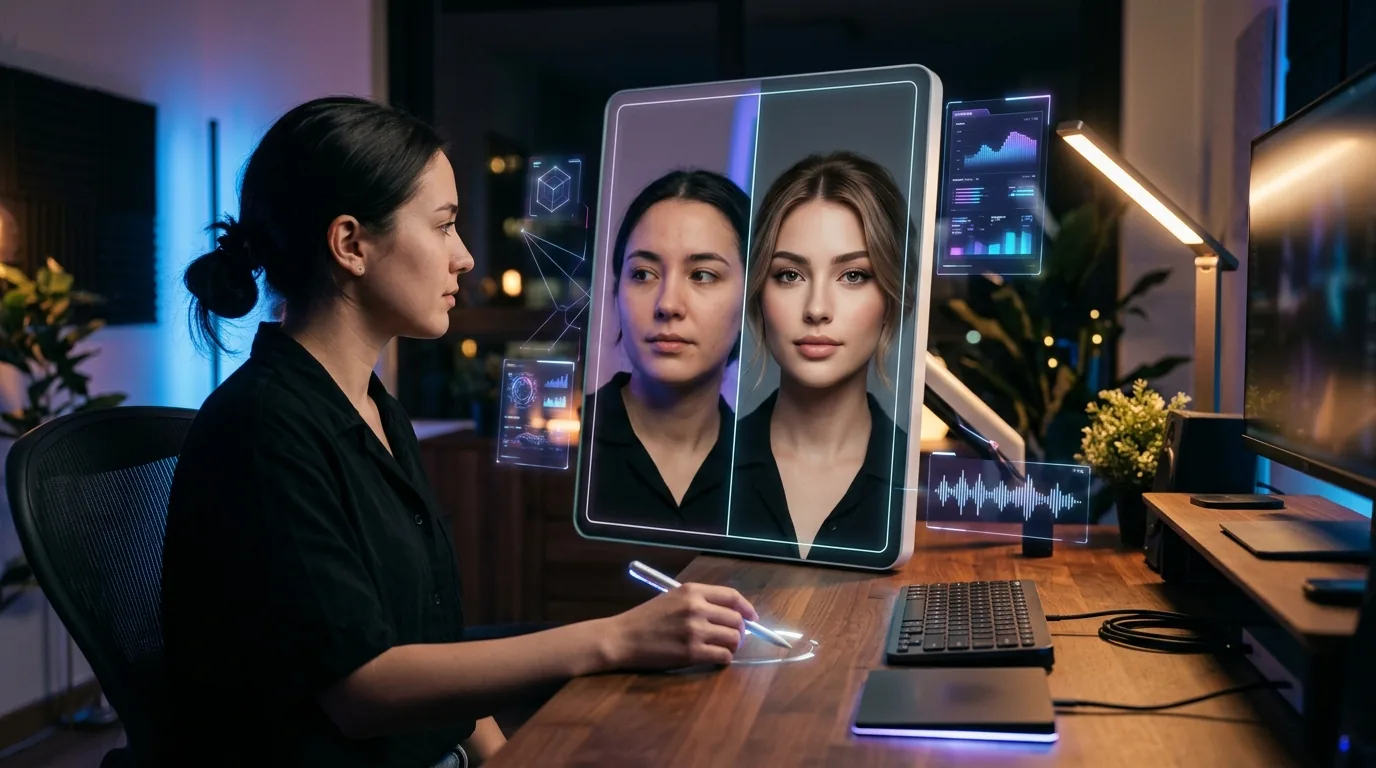
Face swap AI used to mean one thing: creepy, uncanny results that looked like a bad Photoshop job. That’s not the case anymore.
The technology has gotten genuinely good — we’re talking seamless blending, accurate lighting matching, and results that look natural even at full resolution. The problem? Most free tools out there are either loaded with ads, shady with your data, or produce results that still look like 2019.
I tested over a dozen free AI face swap tools across different use cases — headshots, group photos, video clips — and narrowed it down to five that are actually worth your time in 2026. Every tool on this list is free to use (at least for basic needs), safe in terms of privacy, and produces results you won’t be embarrassed to share.

What Makes a Face Swap Tool “Actually Good”?
Before we dive in — here’s what I looked for. Because “free” means nothing if the tool doesn’t deliver.
- Quality: Does it match skin tone, lighting, and angle? Or does the swapped face float on top like a sticker?
- Speed: Nobody wants to wait 5 minutes for a single swap.
- Safety: Does it have a clear privacy policy? Does it store your photos? Is it used for deepfakes?
- Free tier: Genuinely free — not “free for one swap then $29/month.”
1. Reface — Best for Quick Video Face Swaps
Reface is the one most people already know — and for good reason. It’s fast, the results are surprisingly smooth, and the app handles video face swaps better than most paid tools.
Upload a selfie, pick a video template (or upload your own clip), and the AI maps your face onto the target in seconds. The lighting adaptation is where Reface really shines — it adjusts shadows and highlights so the swap doesn’t look pasted on.
Free tier: Limited daily swaps with watermark. Enough for casual use.
Best for: Fun video swaps, social media content, memes.
Privacy: Photos processed on-device (mobile app) with auto-deletion.
2. InsightFace (Open Source) — Best for Technical Users
If you’re comfortable running a Python script or using a Discord bot, InsightFace is the gold standard for free face swaps. It’s the engine behind many of the paid tools on the market — and it’s completely open source.
The quality is exceptional. Multi-face swaps, high-resolution output, and it handles tricky angles better than anything else I tested. The catch? There’s no polished UI. You’re either running it locally, using the Discord bot, or integrating it into your own workflow.
Free tier: Completely free (open source). Discord bot has daily limits.
Best for: Developers, content creators who need batch processing, anyone who wants maximum quality.
Privacy: Run it locally and your data never leaves your machine. That’s as private as it gets.
3. Pixverse — Best Browser-Based Option
Pixverse surprised me. It’s a browser-based tool that handles face swaps with no download required — and the quality is legitimately good. Not “good for a browser tool” — just good.
Upload two photos, select faces, hit swap. The AI handles skin tone matching and even gets hair boundaries right most of the time — which is where a lot of tools fall apart. Processing takes about 10-15 seconds per image.
Free tier: Several free swaps per day, no watermark on images.
Best for: Quick photo swaps without installing anything.
Privacy: Images are deleted after processing (per their policy). No account required for basic use.
4. FaceFusion — Best for Video Projects
FaceFusion is another open-source powerhouse — but this one’s built specifically for video. If you need to swap faces in longer clips (not just 10-second memes), this is what you want.
It runs locally, supports multiple backends (CPU and GPU), and produces frame-by-frame consistency that most cloud tools can’t match. The latest version added face enhancement and a simple web UI, so you don’t need to live in the terminal anymore.
Free tier: Completely free and open source.
Best for: Video creators, filmmakers, anyone doing face replacement in moving footage.
Privacy: 100% local processing. Nothing is uploaded anywhere.
5. Pica AI — Best for Beginners
If you want something that just works without any learning curve, Pica AI is it. The interface is dead simple — upload, swap, download. No options to configure, no settings to tweak.
The quality is solid for photos (video support is limited on the free plan). What I like most is the realistic blending — it handles different skin tones and lighting conditions gracefully, which many free tools struggle with.
Free tier: A few free swaps per day. No watermark.
Best for: Non-technical users who want quick, clean results.
Privacy: Cloud-processed with stated 24-hour deletion policy.
Quick Comparison: Which Should You Pick?
| Tool | Best For | Photo/Video | Runs Locally? | Free Limit |
|---|---|---|---|---|
| Reface | Quick video swaps | Both | Mobile app | Limited daily |
| InsightFace | Max quality | Both | Yes | Unlimited |
| Pixverse | No-install browser use | Photo | No | Several/day |
| FaceFusion | Video projects | Video-focused | Yes | Unlimited |
| Pica AI | Beginners | Photo | No | A few/day |
A Word on Safety and Ethics
Let’s be real — face swap technology can be misused. Every tool on this list has policies against creating non-consensual content, and the open-source options have ethical use guidelines baked into their documentation.
Use these tools responsibly. Swap your own face, create content with permission, and don’t be that person. The technology is incredible when used right — for creative projects, content creation, entertainment, and legitimate business use like product visualization.
Bottom Line
You don’t need to pay for a face swap AI tool in 2026 — the free options are genuinely that good. If you want maximum quality and don’t mind a small learning curve, go with InsightFace or FaceFusion. If you want something instant, Reface (for video) or Pica AI (for photos) are your best bets.
Want to explore more AI tools that actually deliver? Check out our AI Tools Directory — we’ve tested and categorized 169+ tools so you don’t have to wade through the noise. And if you’re into AI-powered image editing beyond face swaps, don’t miss our guide to the best AI photo editing tools in 2026.